April 17th, 2026
Release Notes v0.2.6
We're excited to ship v0.2.6 with a set of highly requested features, quality-of-life improvements, and a solid round of bug fixes.
New Features
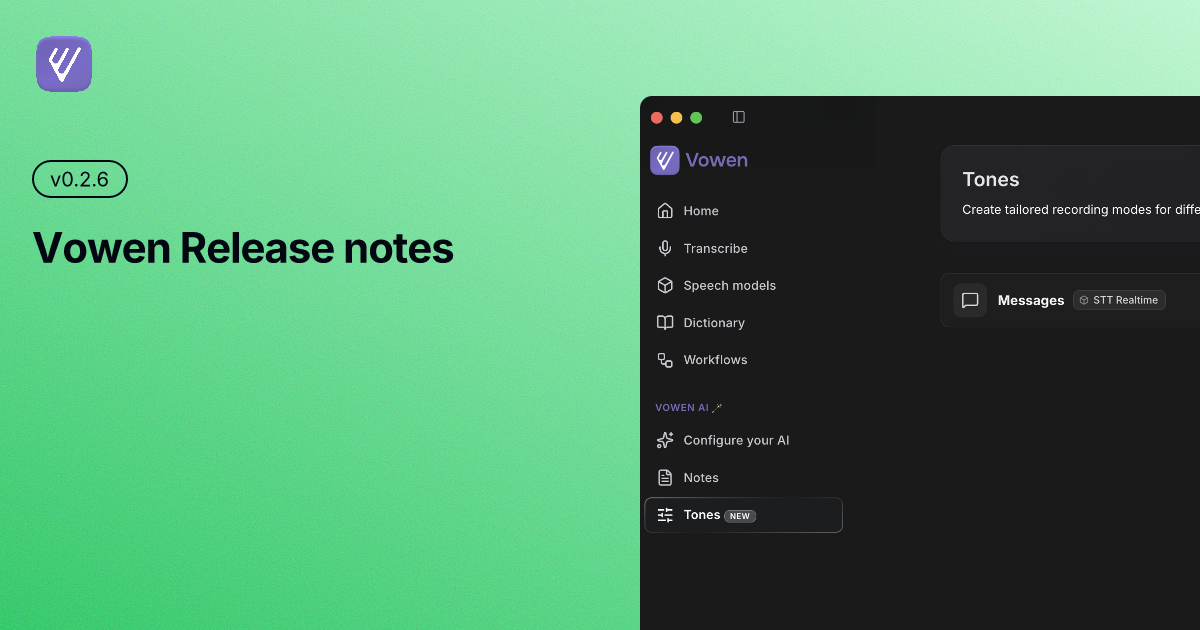
Multiple Tone Profiles (macOS) Create and manage multiple tone profiles, each with its own name, icon, AI model, transcription model, and target apps. Switch between them automatically based on the active application.
Filler Word Removal Automatically strip filler words like "um", "uh", and "like" from your transcriptions for cleaner, more polished output.
Edit Transcripts Edit your transcribed text directly after recording — fix mistakes, remove unwanted phrases, or refine the output before using it.
Import & Export Data Back up or migrate your transcripts and settings with a full import/export feature. Take your data with you.
Enhanced Silence Detection (Experimental) A new experimental silence detection algorithm provides more accurate end-of-speech detection in noisy environments.
Hide Recording Indicator Choose to hide the floating recording indicator entirely, or continue controlling whether it appears at the top or bottom of your screen.
Clipboard Image Handling Context awareness now reads images from your clipboard, letting you reference screenshots or visuals when using AI-powered commands.
Improvements
Guided Tour After First AI Connection After connecting your first AI provider, the app now walks you through key features with an interactive guided tour.
AI Connection Flow Setting up your AI provider is now handled in a focused modal — no need to navigate away from what you were doing.
Workflows Modal The workflows modal has been standardised with a consistent layout and improved visual hierarchy.
More AI Enhancement Examples The AI enhancement modal now ships with more built-in prompt examples to help you get started faster.
Whisper Banner Model Prompt The Whisper server restart banner now prompts you to download a local model if none is found, instead of silently failing.
Fixes
Fixed pause and stop buttons not responding correctly during a recording session (Windows)
Fixed the pinned taskbar icon not reliably opening the settings window (Windows)
Fixed clipboard contents being corrupted during text insertion
Fixed mode switching between transcribe and handsfree not considering alternative shortcuts
Fixed the app unexpectedly gaining focus when the settings window was opened (macOS)
Added a 500ms grace period when switching primary shortcuts to prevent accidental mode changes
Keyspy and the keyboard hook now automatically restart when certain input events go missing (macOS)
Fixed the settings window appearing at an incorrect position on screen
Fixed other registered shortcuts firing while a meeting notes session is in progress
Fixed an issue preventing AssemblyAI from connecting correctly as a transcription provider