May 23rd, 2026
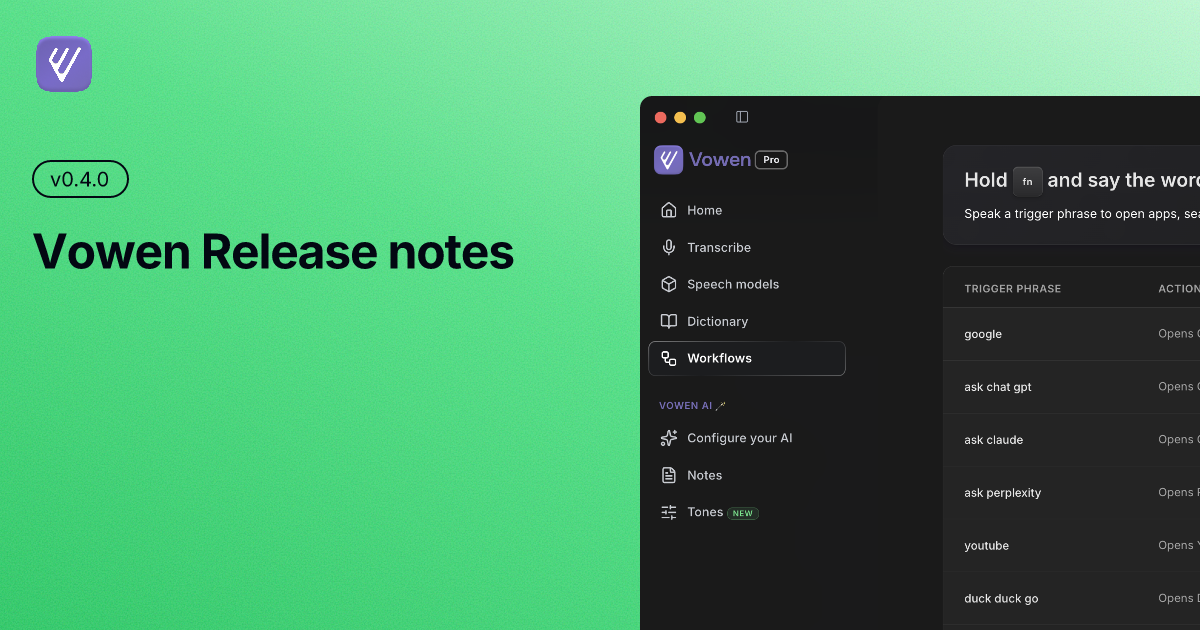
Release notes v0.4.0
v0.4.0 — Vowen Pro
The biggest release yet. Vowen Pro launches with cross-device sync, chat with notes, automatic meeting detection, custom utilities, workflows with webhooks/scripts and a lot more, all built from feedback in this community.
New
Cross-Device Sync (Pro) — Keep your settings, snippets, transcriptions, and notes in sync across machines via iCloud, Google Drive, Dropbox, or OneDrive.
Chat with Notes & Transcriptions (Pro) — Ask follow-up questions on any meeting note or transcript. Vowen reads the full context so answers stay grounded.
Bring Your Own AI Provider (Pro) — Plug in any OpenAI-compatible API for transcription, notes, tones, chat, and workflows — not just the defaults.
Auto-Translate to English (Pro) — Speak in any language and Vowen delivers the output in clean English automatically — no extra step.
Automatic Meeting Detection (Pro · macOS) — Vowen detects when you're in a Meet, Zoom, or Teams call and surfaces meeting controls instantly.
Custom Utilities (Pro) — Build your own AI shortcuts — translators, summarizers, formatters — and bind them to a hotkey or command-mode trigger.
Webhooks & Scripts in Workflows (Pro) — Fire a webhook or run a script when a transcription completes. Pipe Vowen into anything in your stack.
Rich-Text Expansions — Expansions now support bold, italic, and links — plus multiple output formats: plain text, markdown, and HTML.
Auto-Add Corrections to Dictionary (Pro · macOS · beta) — Vowen quietly watches the edits you make to transcripts and learns your vocabulary corrections on its own.
File Transcription Queue (Pro) — Drop audio files into a queue and let Vowen process them in the background, with progress tracking and notifications.
Obsidian Integration (Pro) — Export meeting notes and transcriptions directly into your Obsidian vault.
gpt-4o-transcribe Support — OpenAI's newest transcription model is now available as a cloud option alongside Whisper and Soniox.
UK English Dictation — Real-time American → British spelling conversion with a 1,700+ word dictionary, applied as you dictate.
Cancel Transcriptions Mid-Flight — Abort a command-mode run or a regular transcription before it pastes.
Switch Models From the Banner — Provider chips in the recording banner let you change models without opening Settings.
License Key Activation — Activate Vowen Pro on up to 3 devices per license — manage your devices from Account settings.
Works Across Any Keyboard Layout — Hotkeys and expansions now adapt to your physical keyboard — AZERTY, QWERTZ, Dvorak, and beyond.
Revamped Onboarding Flow — A redesigned onboarding walk-through introduces new users to setup, hotkeys, and Pro features.
Share Insights Card — Generate a shareable card highlighting your transcription stats and milestones.
Confirmation Before Device Deactivation — Vowen now asks before deactivating a device from your Pro license.
Improved
Smoother Meeting Notes — Notes generate in the background while you keep recording. Skeleton loaders and a tray indicator show progress.
Faster AI Responses — AI responses now stream over SSE end-to-end instead of plain HTTP — noticeably snappier across the app.
Parakeet Is the New Default Local Model — Faster on-device transcription, with periodic warmups so the very first run is instant.
Redesigned Notes & Transcription Pages — Cleaner detail-page layouts for both meeting notes and transcriptions, with a more focused reading experience.
Mute Before Recording (Pro) — Vowen briefly mutes input before recording starts so stray audio (e.g. the tail of a video) doesn't bleed into your first words.
Microphone Connecting Indicator — A clear loading state shows when the mic is still coming online.
Meeting Detection Survives Sleep & Power Events (macOS) — Detection automatically resumes after sleep, lid-close, or AC plug/unplug.
Sensible Templates for Custom Utilities — Starter templates so you're not staring at a blank box when you create a new utility.
Tones Respect Auto-Translate (Pro) — Tone profiles now honor your auto-translate-to-English setting.
Focus Vowen On Gated Features — Clicking a Pro-gated feature now brings Vowen to the foreground so the upgrade prompt is visible.
Faster & Cheaper AI Calls — Reduced default prompt size and enabled prompt caching — lower cost and less rate-limit pressure for AI features.
Cleaner Obsidian Note Titles — Notes synced to Obsidian no longer prepend the date in the title.
Fixed
Modals Closing on Drag Release — Fixed all modals (including Edit Expansion) closing when a text-selection drag ended on the overlay.
Meeting Detection Swallowing Esc (macOS) — Fixed Esc key being captured by meeting detection instead of reaching the app.
Custom API Toolbar — Fixed toolbar issues when using a custom OpenAI-compatible API.
Failed Transcription Border — Fixed visual border issue on failed transcription entries in the list.
Emojis & Serialization in Notes — Fixed emoji handling and serialization errors that could break note rendering.
Deadlock on Power Resume — Fixed a rare deadlock that could occur when the system resumed from sleep.
Tones on Windows (Windows) — Fixed tone profiles not applying correctly on Windows.
HTTP Fallback on ECONNRESET — SSE streams now gracefully fall back to HTTP when the connection is reset by the server.
Speaker Labels Missing From PDF Exports — Speaker labels now appear correctly in PDF exports.
Expansions on Certain Keyboard Layouts (Windows) — Fixed expansions not firing on certain keyboard layouts on Windows.
Recording Banner From Inside Vowen — Fixed the recording banner appearing when recording from within Vowen itself.
macOS Accessibility Re-Prompt (macOS) — Vowen now re-prompts for accessibility permissions correctly after they're revoked.
Windows SVG Asset Build (Windows) — Fixed Windows build issues affecting SVG assets.
Silence-Detection Sensitivity Clamp — Clamped enhanced silence-detection sensitivity to a maximum of 5 to prevent overly aggressive cutoffs.
v0.4.1
A short follow-up to v0.4.0.
Fixed
OpenAI Reasoning Effort — Reasoning effort is now correctly applied for OpenAI models that support it (o-series).
v0.4.2
Speaker diarization expands to on-device Parakeet, and notes/expansions get a proper rich-text editor.
New
Speaker Diarization with Parakeet (Pro) — Speaker labels for transcripts and meeting notes are now available with the on-device Parakeet model, so you can diarize without sending audio to the cloud.
Advanced WYSIWYG Rich-Text Editor — A new rich-text editor for notes and expansions with bold, italic, lists, headings, links, and more.
v0.4.3
Big release for meetings and transcripts — Speaker diarization with Whisper, audio waveforms, a real-time meeting note preview, and a long list of polish + fixes across the app.
New
Audio Waveform on Meeting Notes — Meeting notes now show a scrubbable audio waveform. The transcript scrolls and highlights in sync as audio plays, so you can jump to any moment in the conversation by clicking the waveform.
Real-Time Transcription Preview for Meeting Notes (Pro · experimental) — See your meeting note transcription appear live as the recording runs, so you don't have to wait for the session to end.
Speaker Diarization with Whisper (Pro · macOS) — Whisper models can now label speakers using Pyannote, in addition to Parakeet diarization that shipped in v0.4.2.
Parakeet Japanese & CTC-Mandarin — Two new on-device Parakeet models for Japanese and Mandarin transcription.
Reassign Speaker Labels (Pro) — Rename and merge speakers across a meeting note or transcript with a single edit. Changes apply to the whole transcript at once.
Double-Tap Hotkey Transitions — Trigger start/stop actions by double-tapping supported hotkeys, with new lock-in semantics for hands-free recording.
On-Demand Webhook From Note Details (Pro) — Fire a configured webhook directly from a meeting note's detail page, no workflow trigger needed.
Export All Notes as ZIP (Pro) — One-click bulk export of every meeting note as a single ZIP archive (audio + transcript + summary).
Movable Meeting Notes Recording Indicator — Drag the recording indicator anywhere on screen and Vowen remembers the position across sessions.
Improved
Custom Instructions for AI Enhancement is now free for everyone — Previously a Pro feature; now available on every tier.
Audio Waveforms on Manual Transcriptions — The same waveform UI now applies to manual transcriptions, not just meeting notes.
Real Speaker Names in Note Summaries — Summaries reference actual speakers instead of generic "Speaker 1" placeholders.
Sticky Navbar on Detail Pages — Top navigation stays in view while scrolling notes and transcription detail pages.
Expansions & Custom Utilities in Import/Export (Pro) — Your expansions and custom utilities are now included when you back up or restore Vowen data.
More Hotkey Keys Supported — Expanded the set of keys you can bind to shortcuts and double-tap triggers (PageUp/PageDown, Home/End, and more).
Updated AI Model Lineup — Refreshed the list of available AI enhancement models with the latest releases from OpenAI and Gemini.
Fixed
Workflow Query Prefix — "Google Formule 1" no longer becomes "e Formule 1" in the search. A stray leading "e " is now stripped from extracted queries.
Windows Audio Playback — Fixed audio waveform/player failing to load on Windows because of a path-encoding bug.
Mistral Context Bias — Context bias now applies correctly to Mistral transcriptions; vocabulary terms are validated and deduped before the API call.
Double-Tap Misfire — Fixed an edge case where double-tap could trigger unintentionally.
Default State on Detail Pages — Meeting notes and transcription detail pages no longer load with the wrong default selections after IPC hydration races.
Note Import Failure — Fixed an error when importing notes (especially MP3/M4A/MP4) by routing them through ffmpeg conversion.
Recording Indicator Position — The meeting-notes recording indicator now reasserts its position more reliably across screen changes and after sleep/wake on Windows.