January 19th, 2026
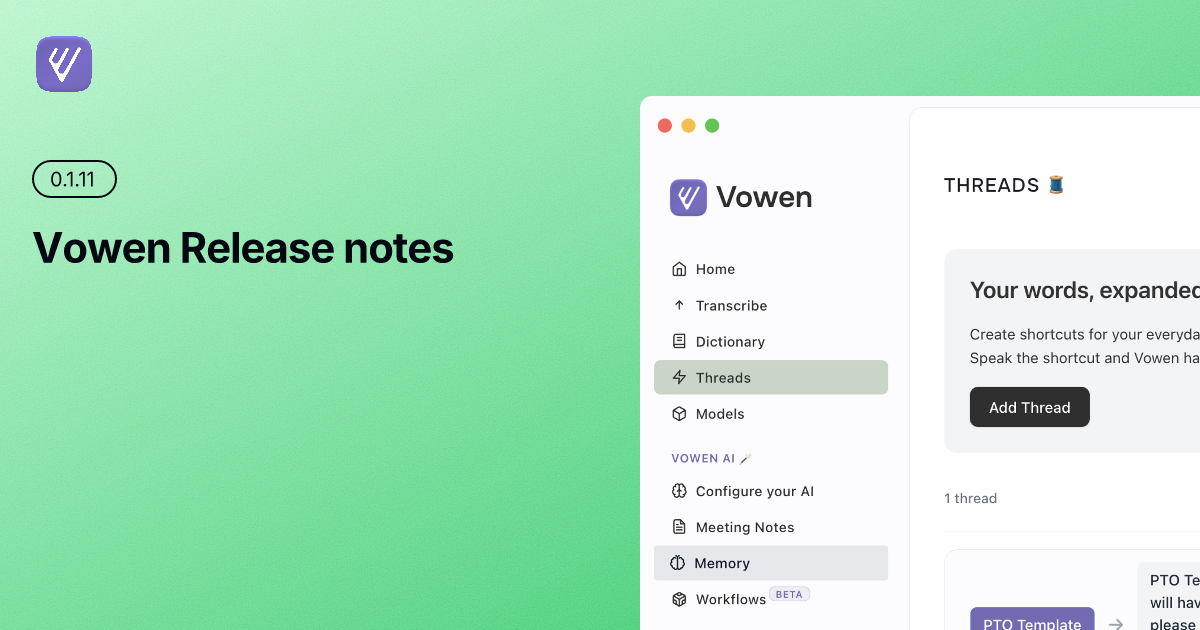
Vowen 0.1.11 Release notes
Released: January 19, 2026
What's New
New Cloud Models
AssemblyAI Universal-2
We've added support for AssemblyAI Universal-2, one of the most accurate transcription models available today. AssemblyAI offers industry-leading speech recognition with excellent handling of accents, technical terminology, and challenging audio conditions.
To get started:
Get your API key from AssemblyAI
Navigate to Settings → Models → Cloud
Select "AssemblyAI Universal-2" and enter your API key
Start transcribing with exceptional accuracy
Google Gemini Flash Latest
Added support for Google's latest Gemini Flash Latest model, bringing improved speed and accuracy to AI-powered features. This cutting-edge model enhances all AI capabilities in Vowen, from summarization to custom AI actions.
Configuration:
Go to “Configure your AI” → “AI Provider”
Select "Gemini Flash Latest"
Add your Google API key
✨ Improvements & Fixes
Smarter Keyboard Shortcut Handling
Conflicting shortcuts are now managed intelligently with a 150ms debounce system, preventing accidental triggers and improving overall reliability. You'll notice:
No more double-triggers when pressing shortcuts quickly
Better handling of system-wide hotkey conflicts
More consistent behavior across different applications
Clipboard Protection
Vowen now automatically preserves your previous clipboard content and restores it after transcription completes. No more losing that important snippet you had copied before starting a recording.
How it works:
Copy something important
Use Vowen to transcribe
Your transcription gets copied to clipboard (as before)
After processing, your original clipboard content is automatically restored
Network Error Handling
Vowen now displays clear, actionable error messages when network connectivity issues occur during cloud transcription. You'll know immediately if you need to check your connection, helping you troubleshoot faster.
Expanded Language Support
We've added additional languages to the language selection menu, including better organization and visibility for European languages. Dutch and other languages are now easier to find in the Settings → Language section.
Windows Tray Improvement
Windows users: Clicking the Vowen tray icon now opens the main application window, making it much easier to access your transcriptions and settings. No more hunting through menus!
Additional Fixes
Fixed "No audio chunks received" error for more reliable recording
Hidden auto-translate option when using Cloud models (as they handle translation internally)
Added missing languages from the comprehensive language list
UI refinements across the application for a cleaner experience
📥 Download & Update
If you haven't already, Vowen will automatically notify you about this update. You can also:
Auto-update: Accept the prompt when it appears
Manual download: Visit vowen.ai/
Thank You 🙏
As always, we're grateful for your continued support and feedback. Have questions, feature requests, or found a bug? We'd love to hear from you:
Email: hello@vowen.ai
Changelog: vowen.featurebase.app/changelog
Feature Requests: vowen.featurebase.app