Vowen 0.5.4 Release notes
This one is about accuracy and about getting out of your way. Vowen now learns the misspelled words you correct instead of getting them wrong forever, reads names off the screen you are dictating into, and lets Ask AI edit the note you are looking at. Enhancement is a lot faster, four settings pages were rebuilt, and a run of dictation bugs that quietly ate or duplicated your words are fixed.
New
A dictionary that learns from your corrections (Pro) - Fix a word Vowen got wrong and it offers to remember it. A name it has never seen is offered after one sighting; a recurring mishearing has to be seen twice before it becomes a permanent correction, and a no is remembered for good. Switch on "Auto-add corrections to Dictionary".
Names spelled the way they appear on screen (macOS, Beta) - Names and product terms the recognizer spells phonetically are usually written correctly somewhere in the window you are dictating into. With AI enhancement on, Vowen now reads them out of the focused window through Accessibility. No screenshots, no second model call, and never a delay to your dictation.
Ask AI can rewrite the note (Pro) - Ask for a tighter summary or a better title and Ask AI applies it to the note in front of you, with an Undo. The transcript stays read-only.
Ask AI in meetings without live transcription (Pro) - Live Ask no longer needs a streaming engine, so local Whisper, batch cloud models and Windows Parakeet can use it too. Vowen transcribes only the part of the meeting it has not seen yet, when you ask a question or press Catch up. Two questions ten minutes apart cost one transcription of those ten minutes, not a re-run of the whole meeting.
Claude Code and Codex as summary writers - If you already have the claude or codex CLI installed and signed in, it shows up as a provider for meeting summaries. No API key to paste, and the subscription you already pay for does the work.
Find and replace in summaries - Cmd+F (Ctrl+F on Windows) searches the summary editor and Cmd+Shift+F opens the replace row. Replace All commits as one transaction, so a single undo puts everything back.
Cmd+1, 2 and 3 on a note - Jump straight to Summary, Transcript or Ask AI. The chords read the physical key, so they still land on AZERTY.
Dictations stay out of clipboard history - Clipboard managers like Maccy, Raycast and Ditto no longer collect every dictation you paste. There is a switch in Developer settings if you would rather they were recorded.
A get-started checklist - A pill in the corner of settings tracks the six things worth setting up first and takes you to each one. It ticks off what you have already done rather than asking again, and retires itself once you finish.
Improved
Enhancement that keeps up with you - Gemini 3 models were running with thinking on by default, which cost around nine seconds a dictation and cut long ones short: a 305-word dictation came back at roughly half its length. Thinking is now floored per model family, measured 6.9x faster and more faithful. Alongside it, OpenRouter routes for latency instead of price, reasoning models on Cerebras get a low effort budget, and the enhancement prompt itself is 18% shorter with nothing taken out of it.
Workflows, rebuilt - The workflows page is rebuilt around what a workflow actually does, trigger phrase then action, with real logos for the sites you search and browser and profile pickers in line.
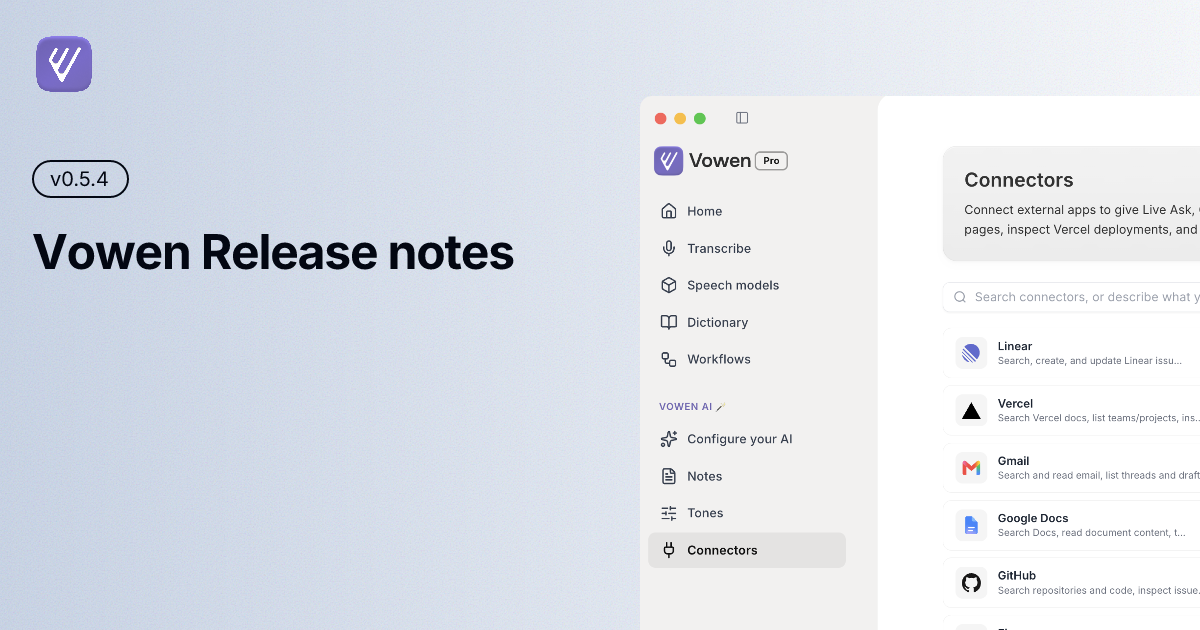
Connectors, permissions and sync - Three more settings pages rebuilt on shared components. Connectors says what each one can do before you connect it, Permissions says what is missing and how to fix it, and Sync says what it last did and when.
Pages that say what they are for - The meeting-notes and transcribe pages now lead with the apps and file types they work with, so it is clear what to point them at before you have any notes or any files.
The Pro screens - Free and Pro share one card design across Account settings and the upgrade modal, and activating a licence now gets a proper thank-you screen instead of a modal that closes.
These release notes - The What's New window was rewritten. It leads with the highlights, keeps the full list of the current release below them, and collapses every past version into a row you can open, instead of one long scroll back to 0.2.8.
Fixed
ElevenLabs losing, or doubling, a dictation - A commit the server refused was treated as fatal and threw away the whole transcript, and a late partial could paste your dictation twice. Both are fixed.
The last few words going missing - Stopping a dictation could close the stream before the engine had finished. AssemblyAI, ElevenLabs and the Gemini live models now wait for the flush to be answered.
The first word lowercased in Outlook, Teams and Gmail (Windows) - A caret in an empty compose box looked like the middle of a page, so smart spacing lowercased what followed. Context is now clamped to the focused field.
Full stops eaten at the end of a sentence - Smart spacing dropped your terminal punctuation whenever anything sat to the right of the caret, including Send and Reply buttons. It now checks that the text actually continues the sentence.
Dictations ending in a dash - Speech that trails off comes back terminated with a dash. That now becomes a full stop, while dashes inside your text are left alone.
The get-started checklist ticking itself, and ticking late - "Connect an AI provider" completed itself on any machine with the Claude Code or Codex CLI installed, before you had connected anything. Creating a workflow, adding a dictionary word or adding an expansion also took until some unrelated change before the step ticked. Both fixed.
Notes settings opening slowly (Windows) - Opening the meeting-notes settings re-scanned for local CLI agents every time, spawning a process per agent. It now uses the result it already has.
The meeting banner chevron - It pointed away from where the template menu opens, and clicking it while the menu was up closed and instantly reopened it.
To update, open Vowen and it will pick this up automatically, or download the latest build from vowen.ai.