Vowen v0.5.1 Release notes
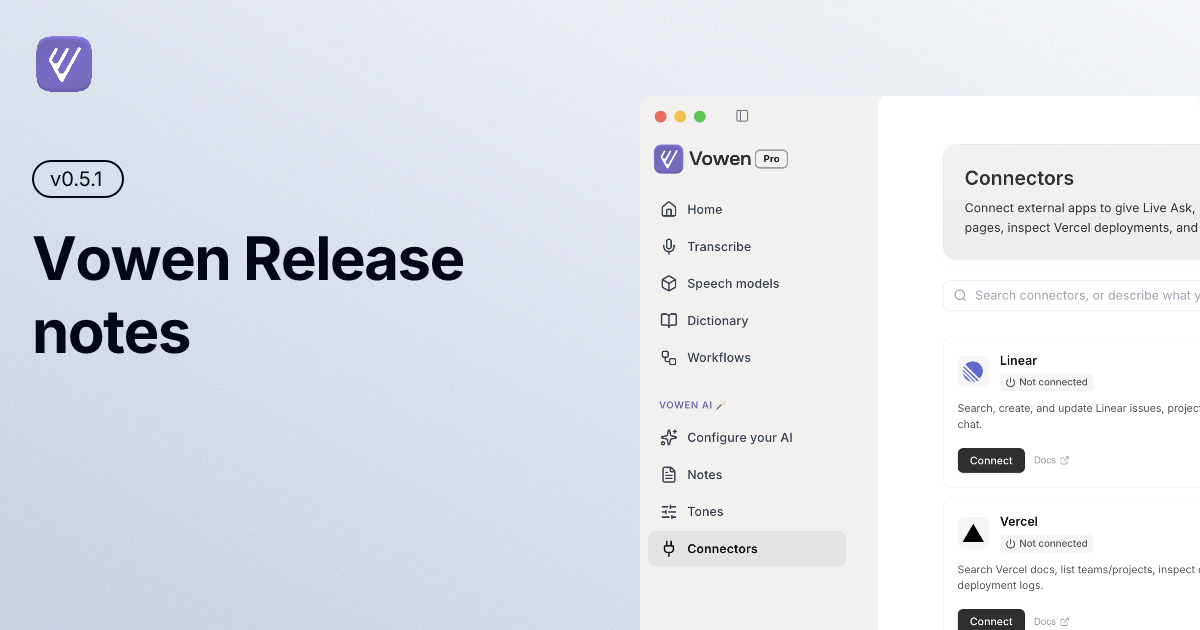
This release is mostly about context. Vowen fitting the app, the site, and the sentence you are dictating into. Tones are rebuilt: each one now carries its own speech model, language, AI model and instructions, and can be switched on by a keyboard shortcut or by the website you are on. Dictated text now spaces and capitalises itself to match whatever is already around your cursor. Alongside that: two new on-device Nemotron models on macOS, a thousand more connectors through Composio, watch folders that turn dropped recordings into meeting notes, and a long list of fixes.
New
Tones, rebuilt
A tone is no longer just a writing style. Each one now carries its own speech model, spoken language, AI model and custom instructions, so switching tone switches your whole dictation setup rather than just the tone of the output. Tones can also be switched off individually without losing their configuration, which is useful when you want one out of the way for a while but do not want to rebuild it later.
Per-tone shortcuts
Bind a key to any tone and dictate with it from anywhere, whatever app happens to be in front. Clashes with your other shortcuts — or with another tone's — are caught the moment you record them, so you find out immediately instead of the next time you press the key. Switching a tone off releases its shortcut for everything else.
Website rules for tones
Tones can now match on the site you are on, not just the app you are in. Add example.com and the tone applies in any browser. A website rule beats an app rule, because the page you are on says a lot more about what you are writing than the fact that some browser window is focused.
Smart spacing and capitalisation
Dictated text now reads as part of the sentence it lands in. Vowen adds the separating space the caret actually needs, matches the casing of the surrounding text, and drops a trailing full stop that would orphan whatever sits to the right of your cursor. It is always on, works out entirely on your machine, and deliberately does nothing when the surrounding context is ambiguous — a wrong adjustment is far more annoying than a missing one.
Nemotron speech models (macOS)
Two new on-device models from NVIDIA — one English, one multilingual across more than 30 languages — that transcribe in real time and punctuate as they go. Download either from the model manager.
1,000+ connectors through Composio (Pro)
Connect Gmail, Google Calendar, Drive, Docs, LinkedIn and around a thousand other apps through your own Composio account, then let command mode and workflows act on them.
Watch folders for meeting notes (Pro)
A watch folder can now produce meeting notes instead of plain transcriptions. Every file dropped in is transcribed, summarised with the template you pick, and tagged, with a banner when the note is ready. Files already sitting in the folder when you add it are left alone, same as before.
Signed webhooks (Pro)
Add a signing secret and every webhook Vowen sends carries an X-Vowen-Signature HMAC, a timestamp and a delivery ID, so whatever receives it can verify the request actually came from you.
Nowhere to paste? Drag it in
When you dictate with no text field focused, Vowen no longer drops the text. A banner appears holding it, and you can copy it or drag it straight into any app.
Hold to cancel
Hold the stop button on the recording indicator to throw a take away. It runs through exactly the same discard path as the cancel shortcut, now reachable without touching the keyboard.
Find, replace and merge in transcripts
Replace one match or all of them, merge a line into the one above it — reassigning the speaker as you go — and split at the caret straight from the row. Playback speed moved into the player as well.
More mouse buttons
M6, M7 and M8 can now be bound to any shortcut, alongside the buttons that were already supported.
Improved
OpenAI's newest transcription models — Dictation and file transcription now run on
gpt-live-transcribeandgpt-transcribe, with a hint on each so it is clear which one streams and which one is cheaper per minute.Search that reaches your content — The command palette no longer just jumps to pages. It searches your dictations, meeting notes and transcriptions by what is actually in them, and the voice log has its own search box now too.
Multi-turn commands in the voice log — A command-mode conversation with several refinement turns now appears as one entry you can page through, instead of a stack of disconnected rows.
Summaries that retry themselves — A meeting summary that fails now retries automatically, and if it still cannot finish, the note tells you why instead of sitting there empty.
Bluetooth mics get time to connect — Vowen no longer declares the microphone dead after 700ms. AirPods and other Bluetooth headsets need seconds to negotiate, so the recording waits and keeps retrying rather than erroring out.
Your clipboard comes back by default — Restoring the clipboard after a paste is now on out of the box, and the snapshot and restore moved into the native writer so more clipboard shapes survive the round trip. Writes are marked transient, so clipboard managers stop logging your dictations.
App icons that are actually right — Icons are now warmed when you switch apps and cached to disk, so the recording indicator shows the correct one the instant it appears.
Faster diarization for meeting notes (Windows) — The diarization engine is prewarmed before notes need it, so speaker labels turn up without the first-run stall.
Screensaver counts as walking away (macOS) — A screensaver that kicks in without locking the screen now stops a long-running recording, and everything re-primes when it stops.
Replacements respect word boundaries — Text replacements no longer fire inside longer words, so "cat" stops rewriting the middle of "catalogue".
Local engine recovery — The local speech daemon restarts itself cleanly after a crash and handles empty results without failing the whole take. System-audio capture for meetings now restarts on its own too, with a retry budget.
Refreshed lists and pages — The notes, transcribe and history pages got a pass: consistent tag sizing, scroll fades so you can tell there is more below, a reworked transcribe modal and file picker, and clearer AI-enhanced and command-mode badges.
Live preview that keeps up (Pro) — The real-time preview in meeting notes follows along without fighting your scroll position, and tells you exactly why it is off when your model cannot stream.
Back with the keyboard — Cmd+Left (Ctrl+Left on Windows) navigates back from a note or transcription detail page.
Fixed
The recording indicator could go mouse-solid with "always on top" enabled and swallow clicks meant for the app underneath. Every overlay surface now claims only the pixels it actually draws.
Shortcuts not firing from on-screen and accessibility keyboards, where a whole chord arrives as one event carrying modifier flags rather than as separate presses. (macOS)
Vowen's keyboard-layout probe re-scanned the layout on every check and consumed pending dead keys, so an accent you had just typed vanished. It now only re-scans when the layout actually changes. (Windows)
Meeting detection could leave orphaned microphone-listener processes behind, which degraded audio system-wide until they were cleared. They are now cleaned up before spawning and on quit. (macOS)
AI enhancement could reply to your dictation instead of cleaning it, pasting something like "I don't see any transcript content to clean" into your document. Vowen now detects that and keeps your own words instead.
AI enhancement on DeepSeek returned empty results because its thinking mode swallowed the output. Thinking is now disabled for enhancement, and provider errors are surfaced rather than silently returning nothing.
Custom vocabulary sent to Groq could leak into the transcript as a prompt echo.
Meeting notes generated from a screen recording could fail outright when the AI provider was Gemini.
Picking a different model when regenerating a transcript no longer overwrites your global transcription defaults.
The title in meeting notes could revert or fail to save while being edited.
Trailing-silence trimming could still clip softly spoken final words before transcription.
Long hotkeys and long translations were cut off in the idle pill's tooltips, which now measure themselves before the window is sized.
The connectors list did not scroll when it ran past the bottom of the window.
Handle-based clipboard formats were copied by value during snapshot and restore, which could corrupt whatever was on the clipboard before a paste. (Windows)
Leftover focus juggling around selection capture and overlay windows meant Vowen could activate other apps or hide itself behind them. (macOS)
Update from within Vowen (Settings → General → Check for updates), or download the latest build at vowen.ai.