Meeting Recordings Fail
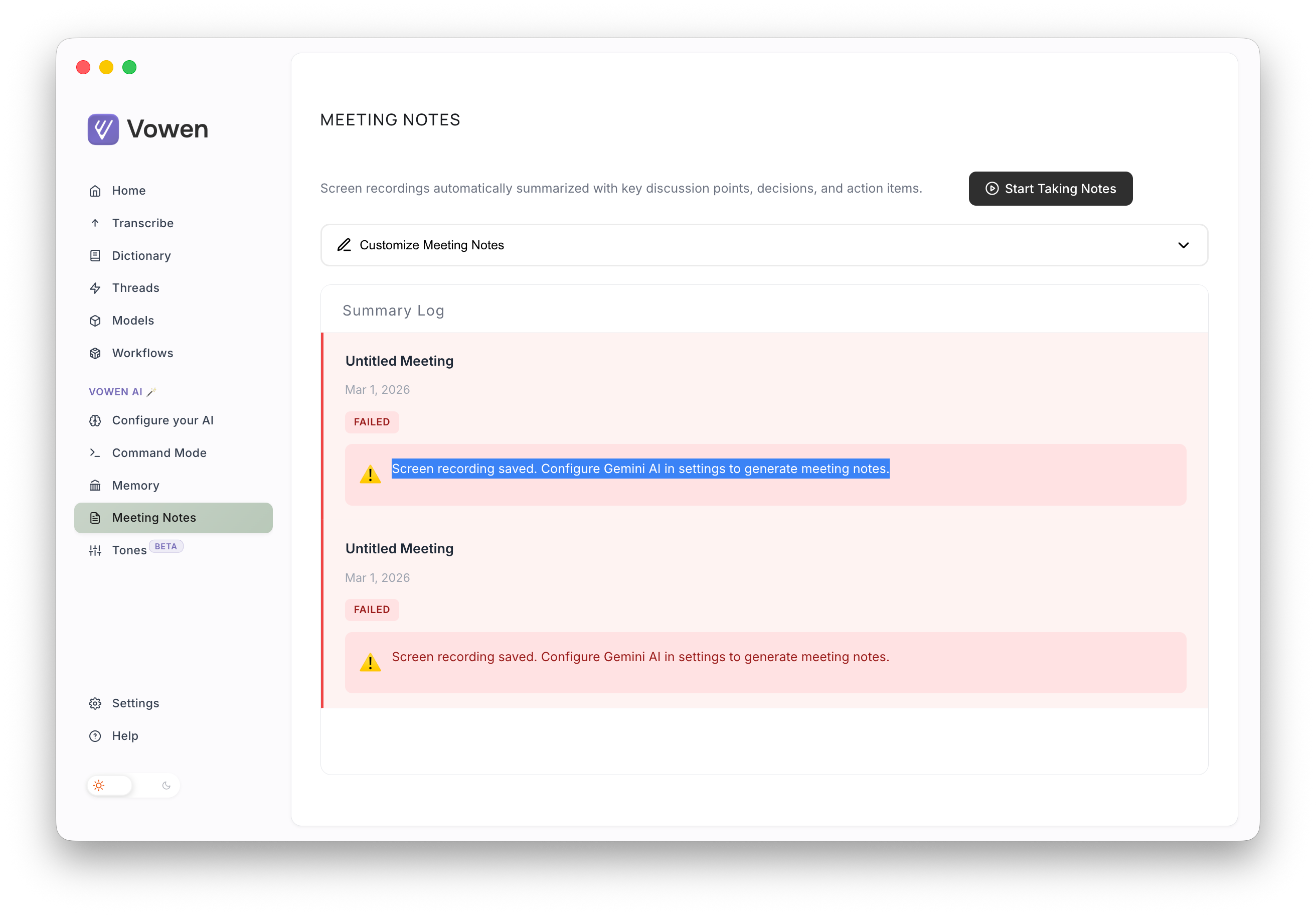
I’m running the Parakeet model locally on a Mac M3. I have configured Google Gemini Flash Light 2.5 (recommended) for AI but meetings will not record. In the meeting area I see “Screen recording saved. Configure Gemini AI in settings to generate meeting notes.” I can get transcriptions by holding down the fn key and they even get the badge saying they are AI enhanced.
Am I doing something wrong? If so, I think a little more direction would go a long way.
Log in to comment and vote
Comments4
Vowen
Mar 2
@John Gully We’ve fixed this issue in v0.1.20. You can update the app from “Settings > General > Check for updates”. Thank you!
John Gully
Mar 2
Update: I enabled command mode and it worked. Perhaps updating the error to guide people to ensure that command mode is turned on would be a good next step.
I installed the new version of the app. But when I attempt to record meeting notes I get the following error
There was an issue processing your meeting notes. Please try again.Vowen
Mar 2
Really sorry about this. We are seeing a spike in Gemini API errors at the moment, usually this should go away on its own once Gemini API has recovered. We tried it from our end and faced the same issue because of Gemini API issue. We’ll report back here once it’s up. Thanks
Vowen
Mar 1
@John Gully Could you try enabling “Command mode”? This is a bug we will be fixing. The meeting notes section only work when “Command mode” is enabled. We’ll be fixing this shortly. Let us know if it worked after enabling the setting. Thank you!