For whatever reason none of the utilities are working on my PC. I have configured my AI and I'm using Groq, but it still isn't working, am I doing something wrong?
Hey @Yonah Bar-Shain , we’ve fixed this issue in our latest update v0.2.1, thank you for reporting this. Let us know if it’s working now
Vowen
Team•
Mar 17
Hey @Yonah Bar-Shain , can I ask which utility you are trying to use, and what was the exact phrase you’d used to trigger the utility?
Yonah Bar-Shain
•
Mar 17
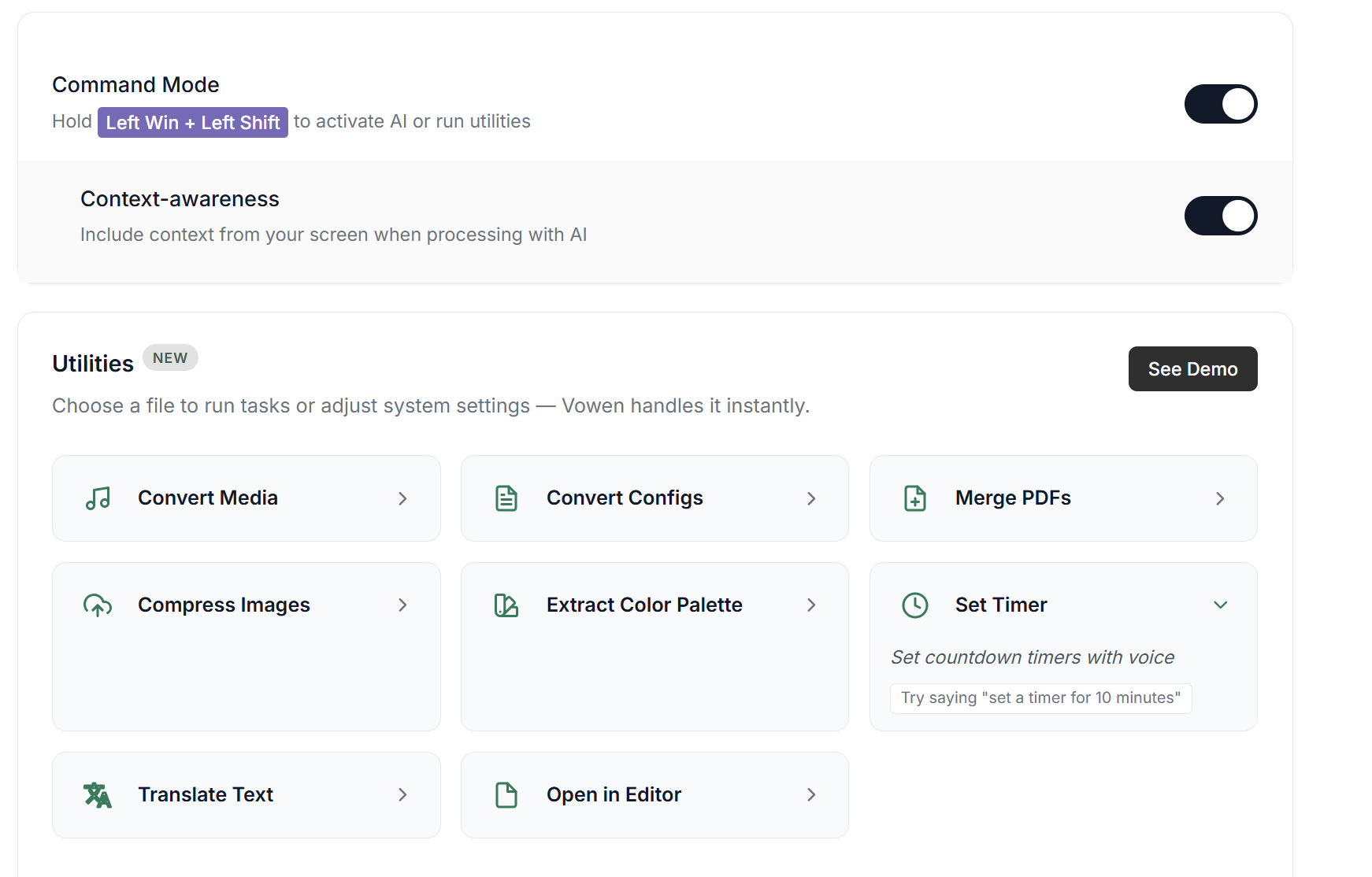
I have tried to use Merge PDF’s, Convert Configes, Set Timer, and Translate Text. For all of them I used the exact phrasing that is suggested in the utility. I know that I am supposed to use a different hotkey than the normal transcription one (in my case, left-ctrl + left-shift), so I assigned my command mode hotkey to win+left-shift but it isn’t working for some reason. I also have the most updated version of the app.
Vowen
Team•
Mar 17
Can I suggest trying with Gemini Flash 2.5 lite? I just want to confirm if it’s a rate limiting issue with Groq, we’ve also noticed that Groq doesn’t work well with VPNs as well, so it could related to that.
Once you’ve configured Gemini Flash 2.5 lite, you can try selecting an image from File explorer, and say “Can you convert this image to PNG?” and I think it should work, if it’s upstream issue with Groq.
You can get your Gemini API key for free from here:
Log in to comment and vote
Comments4
Vowen
Mar 25
Hey @Yonah Bar-Shain , we’ve fixed this issue in our latest update v0.2.1, thank you for reporting this. Let us know if it’s working now
Vowen
Mar 17
Hey @Yonah Bar-Shain , can I ask which utility you are trying to use, and what was the exact phrase you’d used to trigger the utility?
Yonah Bar-Shain
Mar 17
I have tried to use Merge PDF’s, Convert Configes, Set Timer, and Translate Text. For all of them I used the exact phrasing that is suggested in the utility. I know that I am supposed to use a different hotkey than the normal transcription one (in my case, left-ctrl + left-shift), so I assigned my command mode hotkey to win+left-shift but it isn’t working for some reason. I also have the most updated version of the app.
Vowen
Mar 17
Can I suggest trying with Gemini Flash 2.5 lite? I just want to confirm if it’s a rate limiting issue with Groq, we’ve also noticed that Groq doesn’t work well with VPNs as well, so it could related to that.
Once you’ve configured Gemini Flash 2.5 lite, you can try selecting an image from File explorer, and say “Can you convert this image to PNG?” and I think it should work, if it’s upstream issue with Groq.
You can get your Gemini API key for free from here:
https://aistudio.google.com/app/api-keys
Let me know if that helps.