Release notes v0.1.20
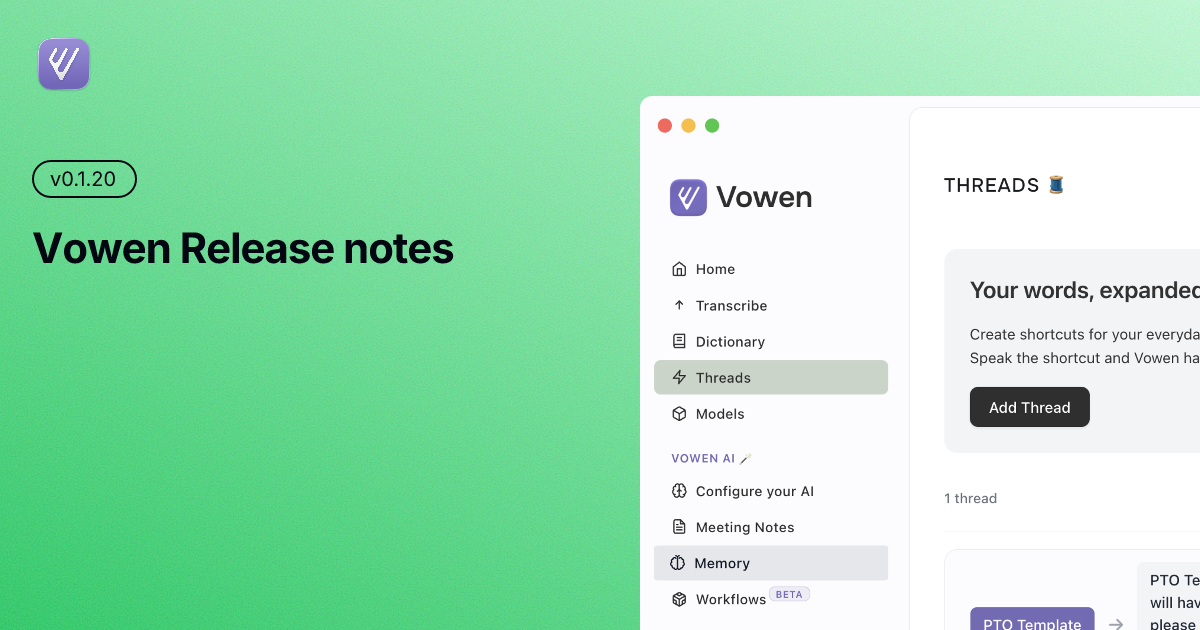
Vowen v0.1.20 — Release Notes
New Features
Multi-Monitor Support
Vowen now fully supports multi-screen setups. The recording overlay intelligently positions itself on whichever display you're currently working on, so you can dictate seamlessly across monitors without anything jumping to the wrong screen.
Sarvam AI — 22 Indian Languages
A brand new streaming transcription provider powered by Sarvam AI's Saaras v3 model. Supports Hindi, Bengali, Tamil, Telugu, Kannada, Malayalam, Marathi, Gujarati, Punjabi, Odia, Assamese, Urdu, Nepali, Kashmiri, Konkani, Sindhi, Sanskrit, Santali, Manipuri, Bodo, Maithili, Dogri, and English — all with real-time streaming.
Custom Local Transcription Server
Connect your own local transcription server for fully offline, private speech-to-text. If you're running a self-hosted Whisper instance or any OpenAI-compatible endpoint, you can now point Vowen directly at it from the model manager.
Groq Whisper Large v3
Added Groq's Whisper Large v3 model — blazing-fast cloud transcription with high accuracy. Maverick 17B has been deprecated in favor of this more reliable option.
Multilingual Command Mode
Command mode now works with languages other than English. Speak commands in your preferred language and Vowen will understand and execute them, making voice-driven workflows accessible to non-English speakers.
Improvements
Smarter Workflow Detection
Workflows now use fuzzy matching to detect target applications. Apps like ChatGPT, Google, and Claude are recognized more reliably, so your workflow triggers fire consistently even when window titles vary.
Better AI Enhancement Prompts
Significantly improved the AI prompts used for transcription enhancement. Expect more accurate, natural-sounding results with fewer artifacts and better context preservation.
Notes Without Command Mode
Notes now work independently of command mode. You no longer need to have command mode enabled to save and organize your voice notes.
Fixes
Option / Alt Key Mapping on Windows
Fixed an issue where keyboard shortcuts displayed "Option" instead of "Alt" on Windows. Shortcut labels now correctly reflect the platform you're on.
Translation & JSON Parsing
Resolved issues with translation output and JSON parsing that could cause errors during AI-enhanced transcription, particularly when processing multilingual content.
📥 Download & Update
If you haven't already, Vowen will automatically notify you about this update. You can also:
Auto-update: Accept the prompt when it appears
Manual download: Visit vowen.ai
Thank You 🙏
We appreciate your continued support and feedback!
Have questions, feature requests, or found a bug? We'd love to hear from you:
Email: hello@vowen.ai
Changelog: vowen.featurebase.app/changelog
Feature Requests: vowen.featurebase.app