Release notes v0.1.21
March 12th, 2026
New Features
Complete App Redesign
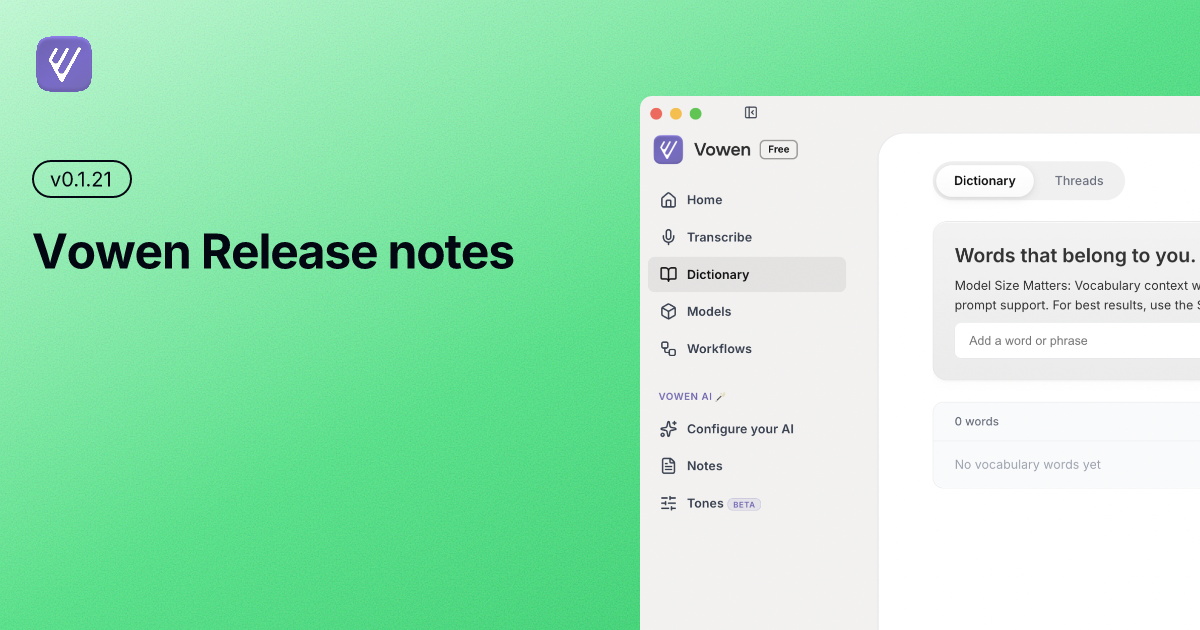
Vowen has a brand new look. The entire UI has been redesigned from the ground up — standardized banners, card-based layouts, a refined sidebar, and a more consistent visual language throughout. Dictionary and Threads have been merged into a single page, and the Models section now uses a clean card layout. Memory has been moved into the "Configure your AI" section for a more logical settings flow.
Dedicated Notes Page
Notes now has its own full page. Browse, manage, and organize your saved voice notes in a dedicated space, complete with a searchable log and an improved layout that mirrors the Voice Log experience.
Weekly Stats
The home screen now shows a weekly stats summary so you can track your dictation activity at a glance.
Trim Start
Added the ability to trim the start of a recording before transcription, giving you more control over the output when there's unwanted audio at the beginning of a clip.
Improvements
Improved Voice Log UI
The voice log has been refreshed with a cleaner layout, better readability, and a more consistent style that aligns with the rest of the redesigned app.
Improved Transcribe Section
The transcribe page has been updated to match the visual style of the Notes and Voice Log pages, making the experience feel more cohesive.
Improved Regenerate Transcript Section
The regenerate transcript UI has been polished for better usability and clarity.
Top Toolbar with Account Icon
A new top toolbar has been added, making it easier to collapse the sidebar and access your account directly from the main view.
Improved Sidebar
The sidebar has received multiple rounds of improvement — better spacing, clearer navigation, and the update banner has been moved into the sidebar for a less intrusive experience.
Rounded Corners
UI elements across the app now use more rounded corners for a softer, more modern feel.
Changed Default Hands-Free Mode Shortcut
The default keyboard shortcut for hands-free mode has been updated to reduce conflicts with other system shortcuts.
New Start and Stop Sounds
The recording start and stop audio cues have been updated with new sounds.
Simplified Words Spoken
The words spoken counter on the home screen has been simplified for a cleaner display.
Fixes
First Few Words Missing on Cloud Models
Fixed an issue where the first few words of a transcription would be cut off when using cloud-based models.
Unicode Characters
Resolved an issue where certain unicode characters caused transcription output to break or display incorrectly.
Silent Audio Detection
Fixed an issue where silent audio was not being handled properly, which could cause unexpected behavior during recording.
Windows: Recording Indicator Always on Top
Fixed an issue where the recording indicator on Windows would fall behind other windows. It now correctly stays on top.
Windows: File Picker Sending App to Background
Fixed a bug where opening the file picker on Windows would push the Vowen window to the background.
Windows: File Selector and Update Banner
Resolved issues with the file selector and update banner display on Windows.
Windows: Styling Fixes
Several visual styling issues specific to Windows have been addressed, including layout inconsistencies and element spacing.
Error Banner Styling
The error banner has been restyled to better fit the updated UI.
📥 Download & Update
If you haven't already, Vowen will automatically notify you about this update. You can also:
Auto-update: Accept the prompt when it appears
Manual download: Visit vowen.ai
Thank You 🙏
We appreciate your continued support and feedback!
Have questions, feature requests, or found a bug? We'd love to hear from you:
Email: hello@vowen.ai
Changelog: vowen.featurebase.app/changelog
Feature Requests: vowen.featurebase.app