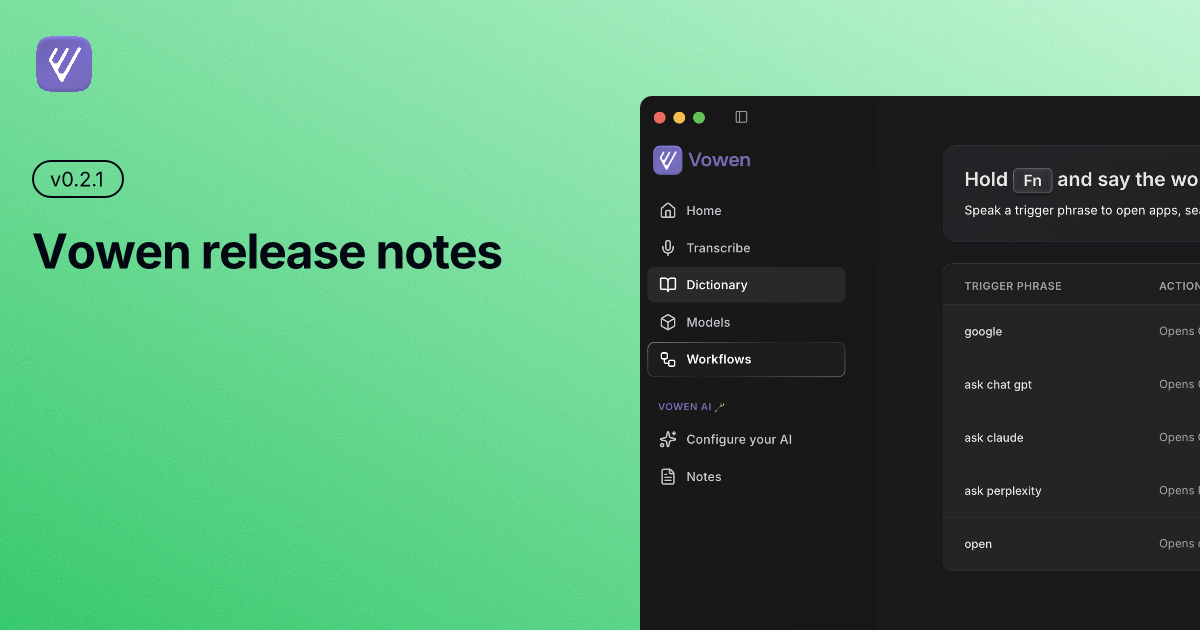
Release Notes v0.2.1
Date: March 26th, 2026
New Features
Parakeet on Windows — Fast and accurate local transcription is now available on Windows. Parakeet brings the same high-quality on-device transcription that macOS users have had, now fully supported on Windows.
GPU Acceleration on Windows (NVIDIA) — Whisper now runs with NVIDIA GPU acceleration on Windows, significantly speeding up local transcription for users with a compatible NVIDIA card.
Regenerate Meeting Notes — You can now retry and regenerate both transcripts and summaries directly from the meeting notes detail page, without needing to re-record.
Improvements
Fewer Hallucinations with Groq — Silence detection now prevents Groq Whisper Large v3 Turbo from hallucinating repeated phrases or filler text when no speech is detected in the audio.
Meeting Notes for Large Recordings — Long recordings are now automatically chunked before being sent to cloud providers. This avoids hitting rate limits and improves reliability for recordings over 30 minutes.
Parakeet Model Warm-Up — Parakeet now warms up automatically after download so it is ready to transcribe immediately, without a cold-start delay on first use.
Faster Parakeet Downloads — Parakeet models are now packaged as tarballs and served from a CDN, cutting download times significantly.
Updated AI Model List — The AI enhancement model list has been refreshed. Older unsupported models have been removed. If you were using one of the deprecated models, you may want to switch to the latest available option in your AI settings.
Fixes
Clipboard Restore — Fixed a regression where clipboard content was not being restored correctly after a transcription completed.
Close Button on Windows — The close button next to the account button has been restored on Windows after being missing in a previous release.
Model Selection in Menu Bar (Windows) — Fixed an issue where the model switcher in the menu bar displayed radio buttons instead of checkboxes on Windows.
Drag Area for Notes & Transcriptions — Fixed the draggable toolbar area on the meeting notes and manual transcription detail pages.
Switching from Local to Cloud — Fixed an issue where switching from a local transcription model to a cloud provider left the server in a bad state, requiring a restart to recover.
Download & Update
Auto-update: Accept the prompt when it appears in the app.
Manual download: Visit vowen.ai
Thank You 🙏
As always, a big thank you to everyone who shared feedback and bug reports. This release is better because of you.
Questions or feedback? Reach us at hello@vowen.ai