Vowen 0.6.0 Release notes
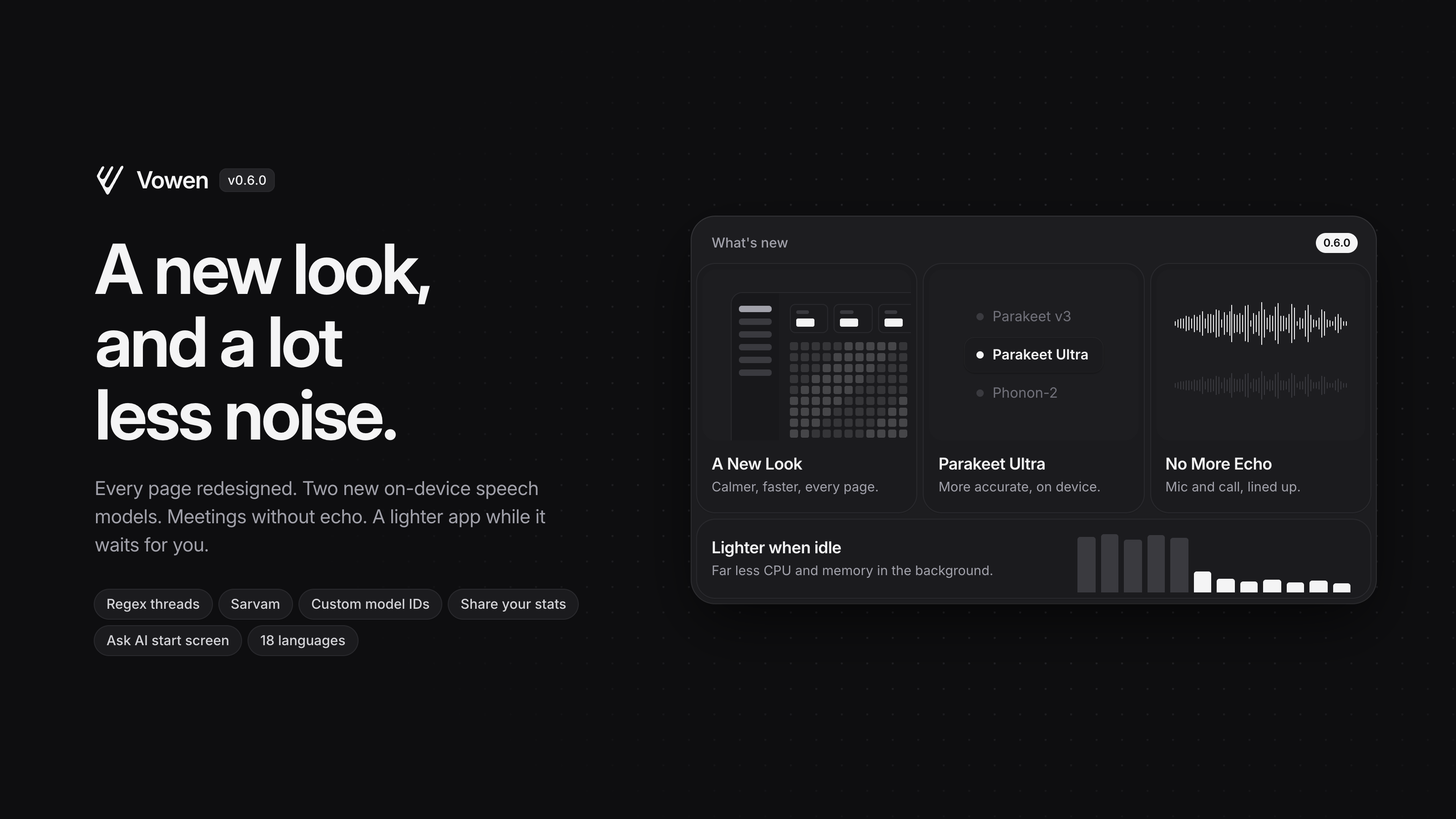
The biggest Vowen release so far: every page is redesigned, two new local speech models arrive on macOS, and the app does a lot less work while it waits for you.
New
A new look — Every page is redesigned around one calmer system: quieter type, tighter spacing, consistent cards and controls, and page switches that feel instant. Home now opens on an overview of your week and a full year of dictation, Notes and Transcribe group your history by month, and notes and transcripts get an inspector sidebar for details, speakers and chats. Your settings, history and shortcuts carry over untouched.
Parakeet Ultra (macOS) — A new on-device speech model. Parakeet Ultra is a more accurate Parakeet v3 that covers the same 25 European languages, and it is now the model we recommend when you set Vowen up.
Regex rules in Threads — A thread can now match a pattern instead of a fixed phrase, with capture groups in the replacement, and you choose whether it runs before AI enhancement or after it. Rules that take too long are stopped and switched off for the session, so a bad pattern cannot freeze a dictation.
Sarvam and custom model IDs — Sarvam joins the AI providers. Every provider also accepts a model ID you type in yourself, so a model released after this update works without waiting for the next one.
Ask AI start screen (Pro) — Ask AI opens on a start screen with the note and its speakers already in context, so the first question can be the one you actually wanted to ask.
Share your stats — Turn your dictation numbers into a receipt-style card you can download or post.
Include subfolders (Pro) — Each watch folder has an "Include subfolders" option, so a recorder or sync tool that files recordings into dated folders is picked up without adding every folder by hand.
Improved
Lighter when idle — Vowen now uses far less CPU and memory while it is sitting in the background. Provider libraries load only when you first use them, animations stop when nothing is on screen, and search indexes are built only while you search. The app itself is smaller too.
No more echo in meetings (Pro) — When you take a call on speakers, the far end reaches the recording twice: once from the system audio and once through your microphone. Those two copies used to land a noticeable moment apart, which you heard as echo and which made transcripts repeat words. Vowen now lines them up using the time each piece of audio was actually captured, on macOS and on Windows, and keeps the microphone and call audio as separate tracks.
Speakers told apart per track (Pro, Windows) — Speaker detection on Windows now works from your microphone and the call audio separately, so your voice and the people on the call no longer blur together.
Command mode — The recording pill shows when you are in command mode rather than dictation, results show up sooner, and holding Esc cancels without the key reaching the app you are working in. An answer that comes back as broken JSON is repaired instead of pasted raw.
More AI models — Claude Haiku 5.5, Qwen 3.8 27B on Cerebras and DeepSeek V4.1 Flash are available. Models a provider has retired move to their replacements on their own, so a setting that points at a dead model keeps working.
Vowen in your language — Every screen, menu, error and export is now translated, not just the main pages.
Groq retries — A Groq request that fails for a moment is retried for you instead of losing the dictation.
Fixed
Timestamps with the local Whisper model — Transcripts from the local Whisper model carry the right timestamps again.
The main window opening off screen — On small displays the main window now stays inside the visible area.
The notch indicator (macOS) — It sits flush with the notch and no longer flashes at launch.
Claude 5 on Amazon Bedrock — Claude 5 models connect through Bedrock, and your inference profiles show up in the model list.
Dictionary spellings in voice commands — Your dictionary misspellings now apply to voice-command queries as well as dictation.
Panels pulling Vowen to the front (macOS) — Clicking the meeting panel, the timer, region capture or a fill-in panel no longer brings the Vowen window in front of the app you are using.
To update, open Vowen and it will pick this up automatically, or download the latest build from vowen.ai.