Vowen 0.6.2 Release notes
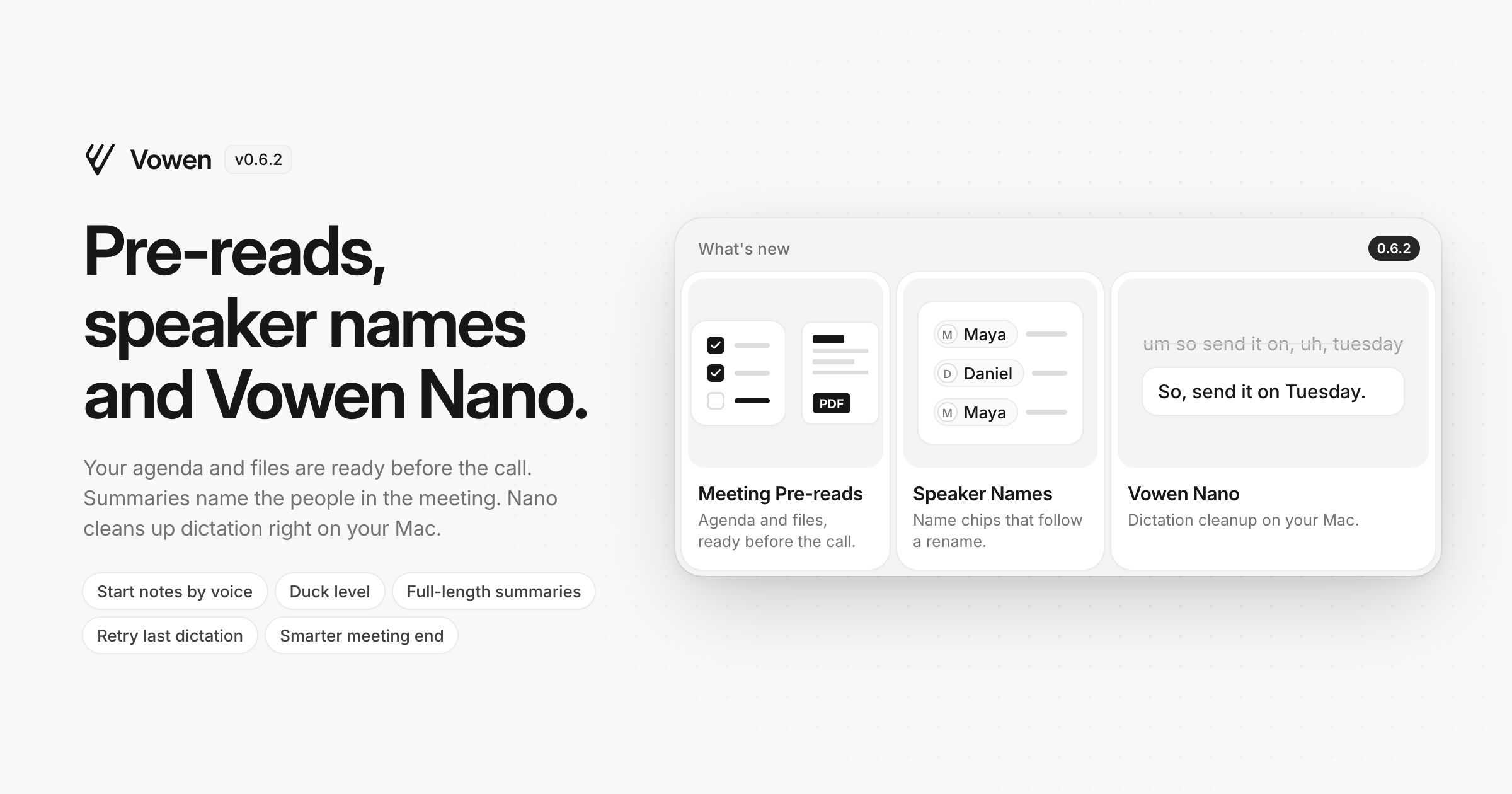
Vowen now gets your meeting prep ready before the call, writes the people in your meetings into your summaries by name, and can clean up your dictation right on your Mac.
New
Meeting pre-reads — Give a meeting template an agenda, files and links on its new Agenda tab. PDFs, Word, PowerPoint, Excel, CSV, text files and images are all supported, and links show a preview. When a meeting starts, they are waiting in the meeting panel's new Pre-reads tab, where you can tick off agenda items and open files without leaving the call, and Ask can answer questions from them. Google Calendar and Outlook events add the agenda and document links from their own description, and Upcoming shows a prep card for each meeting. Files stay on your device.
Speaker names in summaries (Pro) — The people in a meeting now appear in the summary as name chips. Rename a speaker and every mention updates straight away, with no need to regenerate. Exports, copy, Obsidian, webhooks and share links always show plain names.
Vowen Nano (macOS, Apple Silicon) — A small AI model that cleans up your dictation entirely on your Mac, with no API key and no internet connection. It removes filler words, handles mid-sentence corrections, and formats numbers, punctuation and lists. Vowen Nano is for English dictation only, so Command Mode gets its own model picker for everything else.
Start meeting notes by voice — Say "start meeting notes", optionally followed by a template name, to start notes from anywhere. Your own voice shortcuts can also start or stop meeting notes, so one phrase can open the call and start recording it.
Improved
Choose how far Duck lowers audio (Pro) — Pick Duck under Recording to set how quiet your music and calls get while you talk, anywhere from 5% to 90%. It stays at 30% until you change it, and the volume still goes back exactly where it was.
Long meetings summarised in full — Summaries from Anthropic, OpenAI, Gemini and Groq can now be as long as the model allows, so long meetings no longer come back cut short. If a summary still reaches the limit, Vowen tells you instead of saving part of it, and a provider that stops responding fails within minutes instead of hanging.
Meeting end detection — Notes now end only when the whole meeting app has left the microphone for 3 seconds, so an app passing the mic between its own processes no longer stops notes early. You are never asked in the first 3 minutes.
Dictation survives a dropped connection — If a live transcription connection drops, stalls or never connects during a dictation, the pill says so and keeps recording, and the whole recording is transcribed when you stop.
Retry your last dictation — With "Save audio recordings" off, your most recent dictation still keeps its audio until the next one, so you can retry it from the Voice Log if the transcript came back wrong. There is also an optional Retry Last Dictation shortcut.
More accurate speaker labels (macOS) — With Nemotron-3, a quick "yeah" said over someone keeps its own speaker, and the echo of the other side on a speakerphone call is no longer counted as an extra person.
Command Mode replies in plain text fields — Replies pasted into plain text fields and web forms no longer show literal ** and ## marks, and formatted replies paste formatted with Direct Input too.
Obsidian tag renames — Renaming a tag updates the notes already in your vault when "Keep notes synced" is on.
Choose your Google Drive folder — Settings > Sync shows the Google Drive folder Vowen syncs to, with Show folder and Change.
Fixed
Dictations vanishing when you stop — A dictation could disappear if the shortcut listener restarted while you were recording. It is now transcribed, and a longer dictation that comes back empty keeps its audio so you can retry it.
Live preview showing the first words — The live preview keeps the newest words in view during a long dictation.
Recording pill and sounds disappearing — The pill and the start and stop sounds come back on their own instead of staying gone until you restart Vowen.
"Currently Sharing" stuck on (macOS) — The menu bar's Currently Sharing indicator no longer stays on after meeting notes stop or after you quit Vowen.
Google Drive in other languages — Sync to Google Drive works when My Drive has a name in another language, such as Mi unidad.
Summaries in the wrong language — With the summary language left on "same as the meeting", some models wrote the summary in a language nobody in the meeting spoke, especially after a noisy recording. Vowen now works out the meeting's language itself and tells the model, so a summary is never in a language nobody spoke.
Stray "v" when pasting (Windows) — Pasting while you are still holding the dictation shortcut no longer types a stray "v" or opens the sound panel.
Onboarding reopening at every launch (Windows) — When antivirus or backup software briefly locks the settings file, onboarding now finishes and stays finished.
To update, open Vowen and it will pick this up automatically, or download the latest build from vowen.ai.