Vowen v0.4.6 Release notes
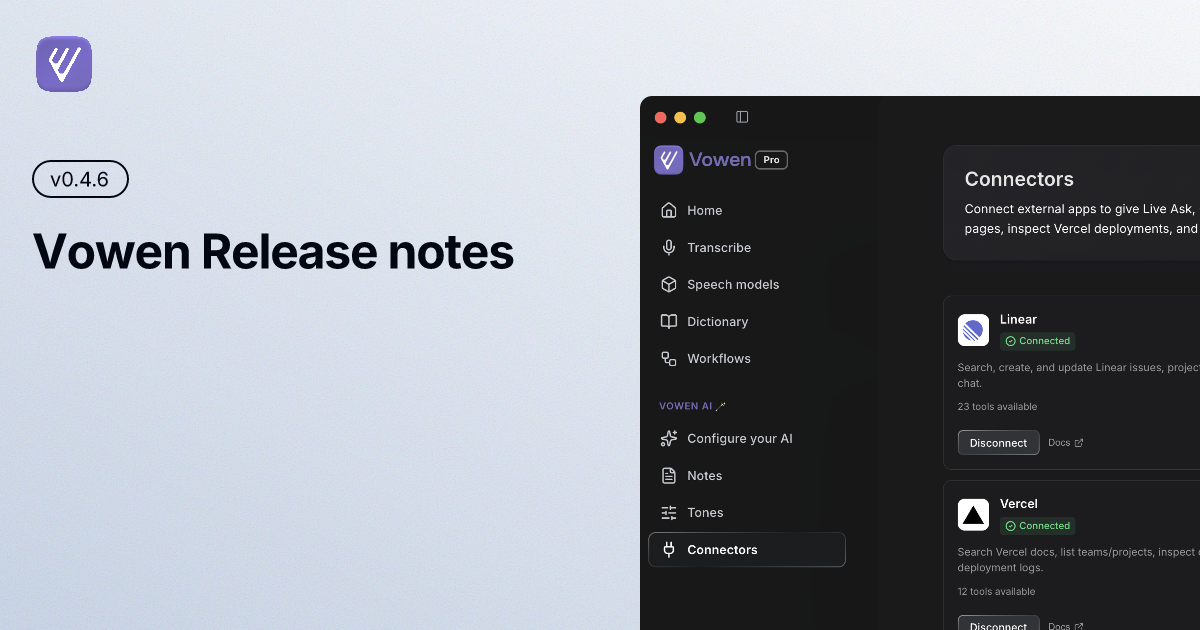
A packed release: Vowen now wraps up your meeting notes automatically when a call ends, keeps your devices in sync in the background, adds a new transcription model, and brings tags, smarter expansions, and sharper visuals across the board.
✨ New
Auto-stop meeting notes when the meeting ends (Pro · macOS) — Vowen detects when your meeting app releases the mic and offers to finish your notes, with a 15-second grace period and a one-click cancel.
Region capture for command mode (Pro) — Drag to select any region of your screen and pass it to command mode as visual context.
Expansion suggestions dropdown (Pro) — Start typing a
:shortcut and a live dropdown of matching expansions appears. Click one to insert it.Tag your expansions — Organize expansions with tags and filter the list by tag.
Tag manual transcriptions — Apply tags to files you transcribe manually and filter by them.
Filter meeting notes by person — Attendees now appear on each note card, and you can filter your notes by who attended.
Filter history by voice vs command mode — Show only dictations or only command-mode results.
Background auto-sync (Pro) — Vowen now keeps your notes, transcripts, and settings in sync across devices automatically — on launch, on window focus, and moments after you make an edit, with no manual sync needed.
Cartesia Ink 2 transcription — Cartesia's Ink 2 is now available as a cloud transcription model for dictation, meeting notes, and file transcription. English-only for now.
Mention dates when importing notes — Reference a date during import and notes are filed under the right day.
Per-app workflow folders — Point a workflow at a specific folder for each app.
Sync to Obsidian button (Pro) — Push a meeting note straight into your Obsidian vault in one click.
Connectors (Pro · Experimental) — Early support for connecting Vowen to Linear, Notion, Vercel, GitHub, and your Mac's own apps so command mode can act on your behalf. Opt in under Settings → Experimental.
⚡ Improved
More reliable cross-device sync (Pro) — A rebuilt sync engine merges concurrent edits from multiple devices cleanly, with smarter conflict resolution and atomic writes, so changes no longer overwrite each other.
Faster meeting notes with on-demand Parakeet (macOS) — When Parakeet isn't your default model, Vowen spins up a lightweight on-demand Parakeet to process meeting notes, so they finish quickly without keeping a model running in the background.
Rich text by default for expansions — New expansions support bold, italic, and links out of the box.
Sharper recording indicator across displays — Adapts to different resolutions and DPI scaling, staying crisp when you move between monitors.
Refined meeting-notes recording indicator — A cleaner, more polished look.
Smoother audio waveforms — Waveform rendering moved to the main process for faster, lighter playback, even on long recordings.
Full-length diarization with Mistral — The latest Mistral model lifts the audio-length cap, so speaker diarization runs on complete recordings without chunking.
Clear errors if a model fails to download — Onboarding now surfaces a clear message instead of silently stalling.
Queued mute/unmute events — Rapid toggles now land reliably and in order.
🐛 Fixed
Cleaner shutdown on force quit — Fixed a crash that could occur on force-quit and ensured resources are released properly.
Meeting-end detection during dictation (macOS) — Detection now pauses while you dictate or run a command, so it won't cut notes short.
Tray icon shows all configured models — The tray menu now lists every model you've set up.
Indicator no longer steals focus at the top — Fixed the indicator's click area pulling focus when positioned at the top of the screen.
More reliable active-app detection on Windows — Improved detection and fixed cache invalidation so focus is no longer stolen.
Native text writer: short phrases & new lines (macOS) — Fixed dropped short phrases and mishandled new lines.
Mistral dropping the last few words — Streaming Mistral transcriptions now get a longer grace period to finalize, so the end of what you said is no longer cut off.
Update from inside the app or download the latest at vowen.ai.