Vowen v0.4.9 Release notes
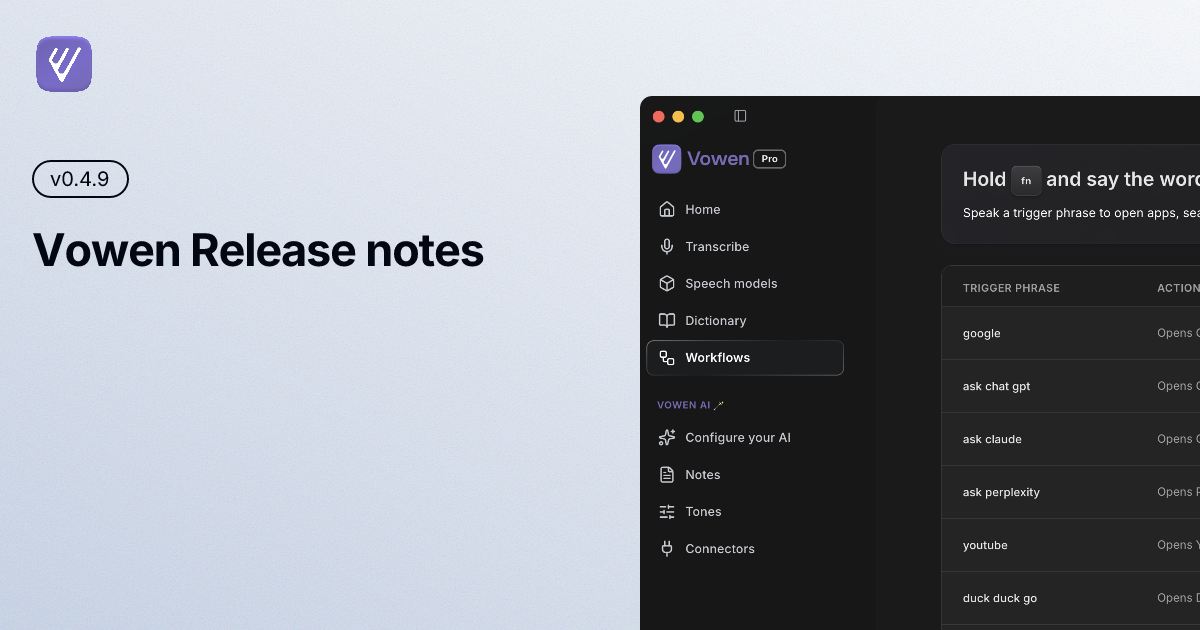
A new on-device language, a redesigned recording indicator, sturdier recordings and downloads, and a round of Windows + workflow upgrades. Update from inside the app or download the latest at vowen.ai.
✨ New
On-device Russian with GigaAM (macOS) — A new GigaAM model brings fast, private Russian transcription that runs entirely on your Mac. No internet and no API key required.
Notch recording indicator (macOS) — A sleek recording indicator that fans out from the menu bar while you dictate. Now available on every Mac.
Re-transcribe a finished recording — Re-run any completed dictation through your current model straight from its history entry. Handy after switching models or updating your vocabulary.
Stop hands-free with a tap of Fn (macOS) — When your transcribe hotkey is Fn, a single tap of the Fn key now stops an active hands-free recording — no need to reach for the full combo.
Custom scripts in Workflows (Pro · Windows) — Run your own PowerShell, cmd, or batch scripts from a workflow on Windows, just like custom scripts already work on macOS.
German interface — Vowen's interface is now available in German. Pick Deutsch from language settings.
🚀 Improved
Resilient model downloads — Large model downloads now resume and reconnect automatically after a dropped connection, so a flaky network no longer means starting over.
Cleaner endings on transcripts — Vowen now trims trailing silence before transcribing, cutting down on the stray made-up words some models add at the end of a clip.
Your full vocabulary, every time — Removed the old 50-word limit on custom vocabulary. Your entire dictionary is now passed to transcription, no matter how long it gets.
Meeting-note templates sync (Pro) — Your custom meeting-note templates now sync across your devices alongside the rest of your settings.
Tags in webhook payloads (Pro) — Webhook deliveries now include the tags on a note or transcription, so your automations can branch and route on them.
Microsoft Store apps in Workflows (Windows) — App-specific workflows can now target Microsoft Store and UWP apps, not just traditional desktop programs.
Double-click Home for Overview — Double-click Home in the sidebar to jump straight to your Overview, while a single click still keeps whatever tab you had open.
🛠️ Fixed
Silent or stalled recordings (macOS) — Fixed a case where the recorder could start but capture no audio with a frozen level bar until you restarted the app. Vowen now detects a dead audio stream on the first frame and rebuilds it automatically.
Fn hotkeys no longer leak keystrokes (macOS) — When a hotkey uses the Fn modifier, the other key in the combo is no longer also sent to whatever app you're typing in.
Special-character hotkeys across layouts — Fixed binding and matching hotkeys that use special characters (like
/ , . ; ' [ ] - =) across different keyboard layouts.Speaker names in Obsidian & webhooks (Pro) — Speaker labels are now properly resolved in notes pushed to Obsidian and in webhook payloads, instead of showing generic placeholders.
Parakeet streaming on Windows (Windows) — Fixed how voice-activity-detection parameters were passed for Parakeet real-time streaming.